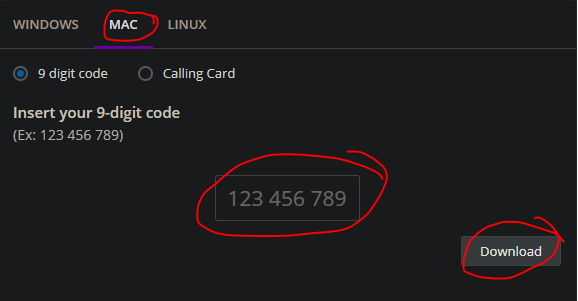
1: Go to startcontrol.com > choose MAC and have Garibaldi technician provide you a PIN
2: Take Control applet will download and go into downloads folder. Open the Mac_support folder and they will find the Remote Support Applet.

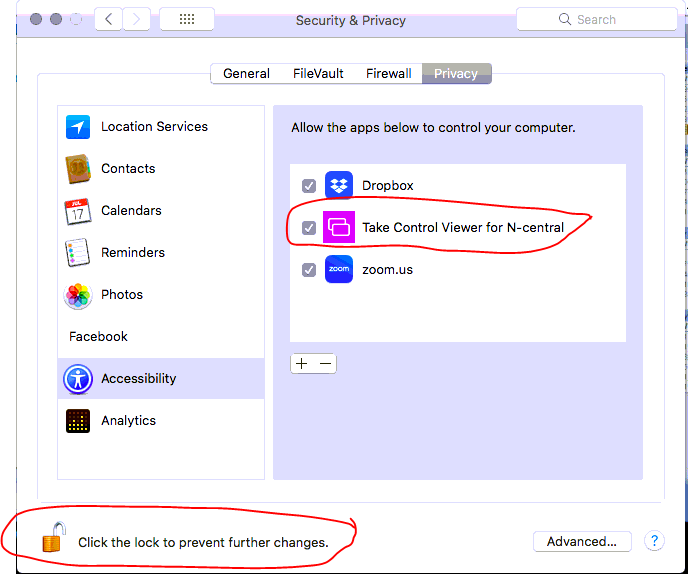
3: Run the file. A prompt will appear asking to change permissions. Enable "Take Control Viewer for N-central"
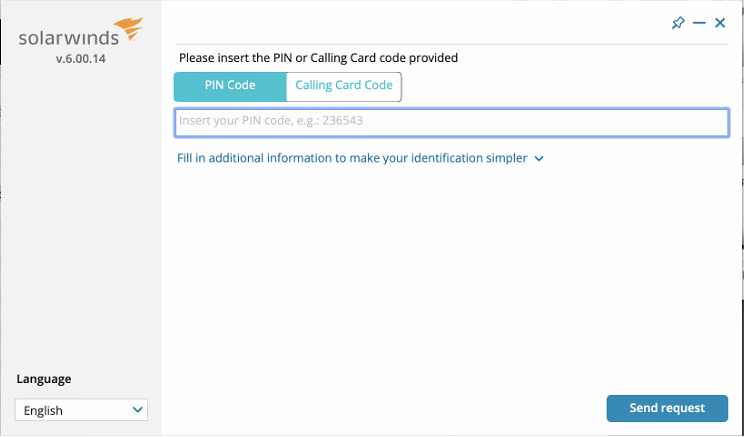
4: Open the Take Support Applet again from step 1 and it will now prompt for a code. Enter the code provided by Garibaldi technician and click “Send Request”